Guide
How Indiedex works
Make your page in about two minutes. Here is everything, step by step, with real screens.
Who it's for
Reel and YouTube creators
One link for your bio with every social, your latest videos, followers-only freebies and your own sponsors.
Founders and indie makers
Show your company, products and games. People can rate, review and vote, and you see how you rank.
Job seekers and freelancers
A clean portfolio: experience, resume, case studies and an “Open to work” badge recruiters can see.
Anyone
A personal page for your links, photos and notes. Free, no app to install, works on every phone.
1
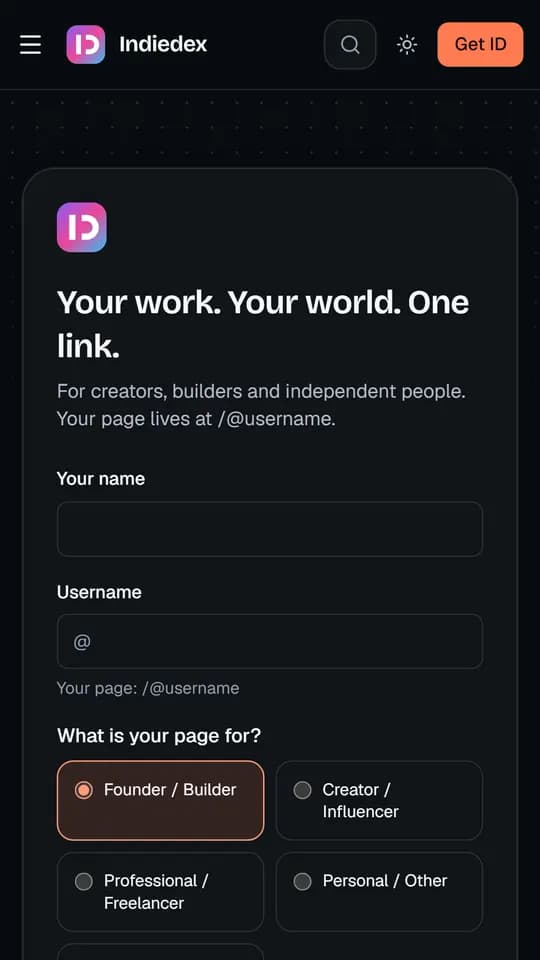
Create your free account
Pick a username. That becomes your link: indiedex.xyz/@you.
- Choose what describes you: creator, founder, professional or personal. You can change it later.
- Confirm your email so you can list products, vote and rate.
- No app needed. Everything works in the browser.
2
Set up your page
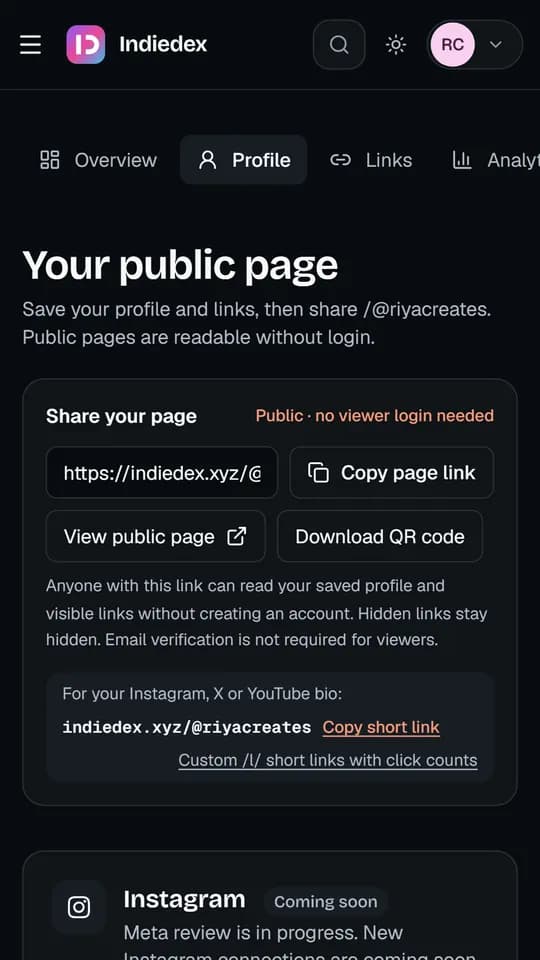
Add a photo, cover, one-line headline and a short bio. The preview updates as you type.
- Dashboard → Profile. Save when it looks right; your page goes live instantly.
- Add your city, your niche and an optional Experience section.
- Choose Bio (one clean column) or Portfolio (wide, for lots of projects).
3
Add your links and socials
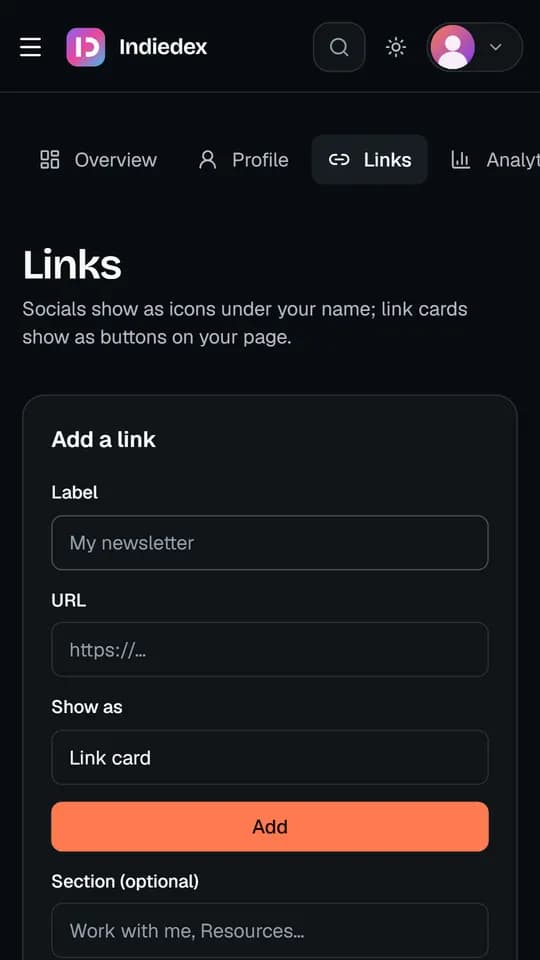
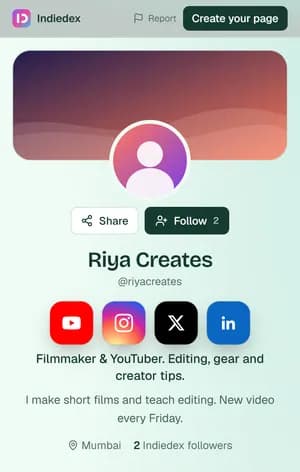
Paste a link and choose how it shows. Instagram, YouTube, X and LinkedIn turn into big brand icons on top.
- Link cards for your shop, course, booking page or newsletter.
- Featured links stand out; content highlights and players show your best posts and music.
- Text sections, dividers and photo galleries. Reorder, hide or edit anytime.
4
Pick a theme
18 themes and 40 ready-made styles, from calm to bold. Mix your own colours, gradient, font and corners, or ask Page Bot to style it for you.
- Dashboard → Profile → Theme. Try a few; nothing is lost when you switch.
- More styles: Light, Dark, Gradient, Bold, Soft and Minimal looks in one tap.
- Mix your own in Customize, or tell Page Bot (top of the editor) the vibe you want and preview it before saving.
aurora 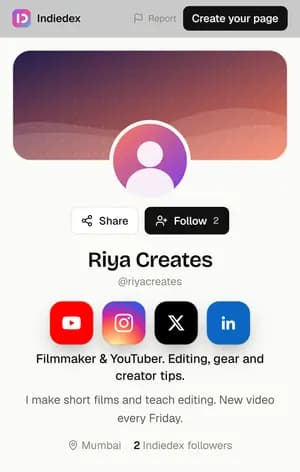
paper 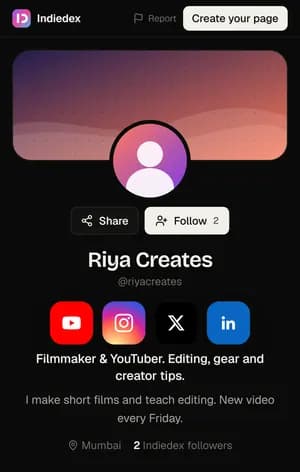
ink 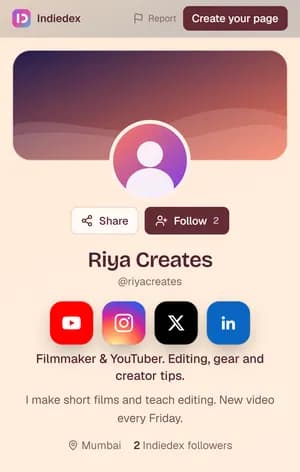
sunset 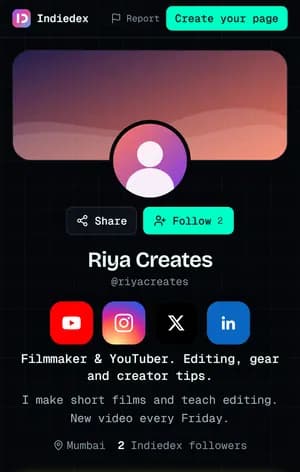
neon 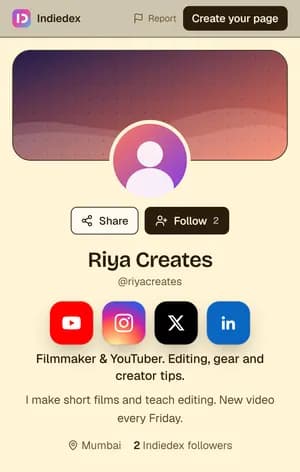
retro 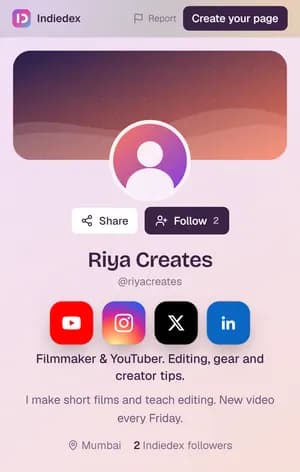
pastel 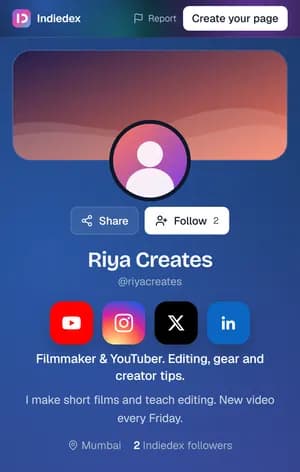
glass 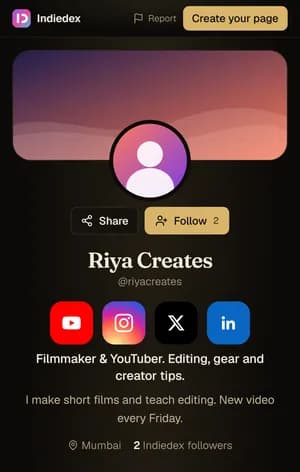
luxe 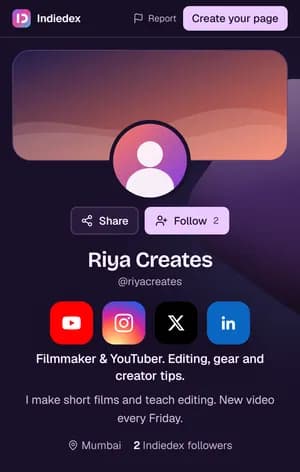
prism 5
Show your YouTube videos automatically
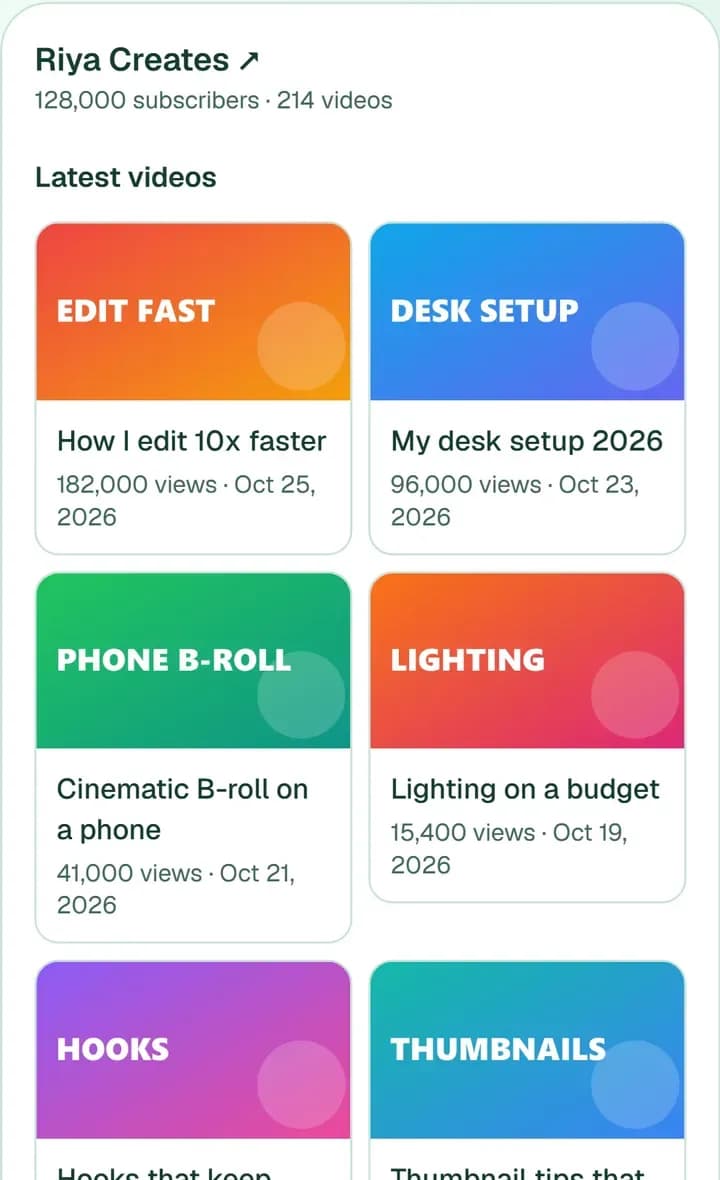
Add your channel link (youtube.com/@you) and your page shows your latest and most-watched videos.
- Latest videos: your six newest uploads, updated after each sync.
- Popular videos: the most viewed of your recent uploads.
- Turn either section off in Profile. Remove the link and the videos go away.
6
Followers-only links
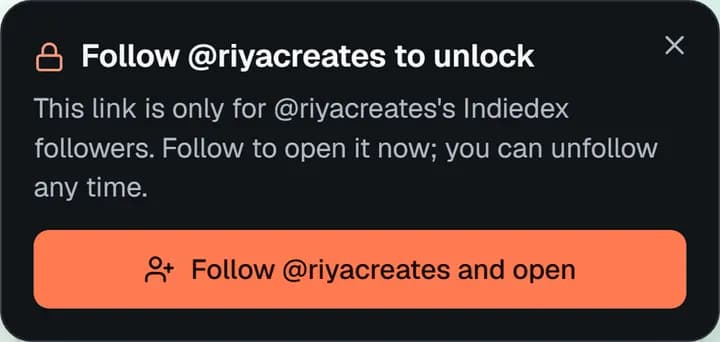
Lock any link so visitors follow you on Indiedex to open it. Great for free presets, notes or a private group.
- Dashboard → Links → tap the lock on a link. Tap again to make it public.
- The real link stays hidden until someone follows you.
- If they unfollow, the link locks again.

7
For creators
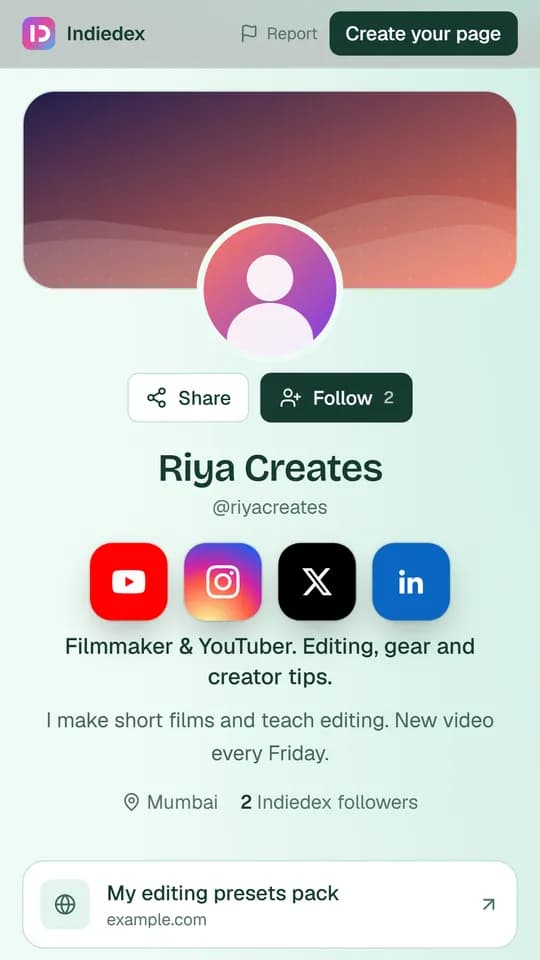
Your bio link for Reels, YouTube and everything else.
- All your socials as big icons, your videos, your best posts and your links in one place.
- People can follow you on Indiedex and leave comments on your page.
- Story-sized share image for Instagram and WhatsApp.
8
For founders and makers
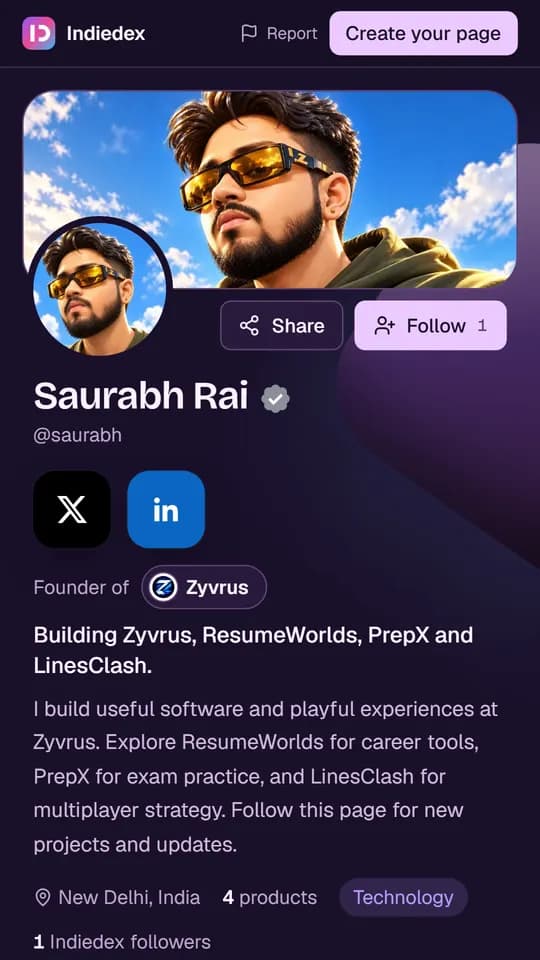
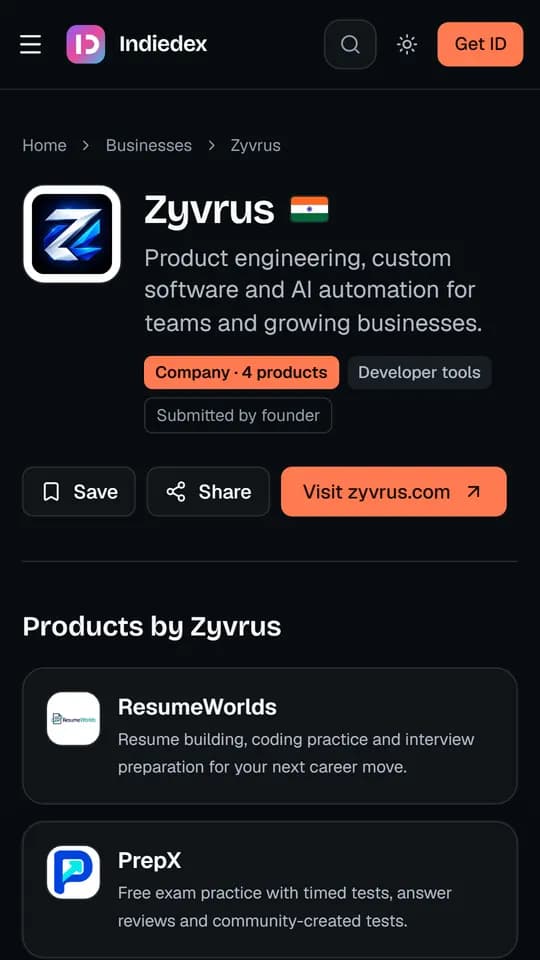
List your company, products and games for free. Each gets its own page people can rate, review and vote on.
- Dashboard → List a product or List a game. A name, website, one-line pitch and category is enough.
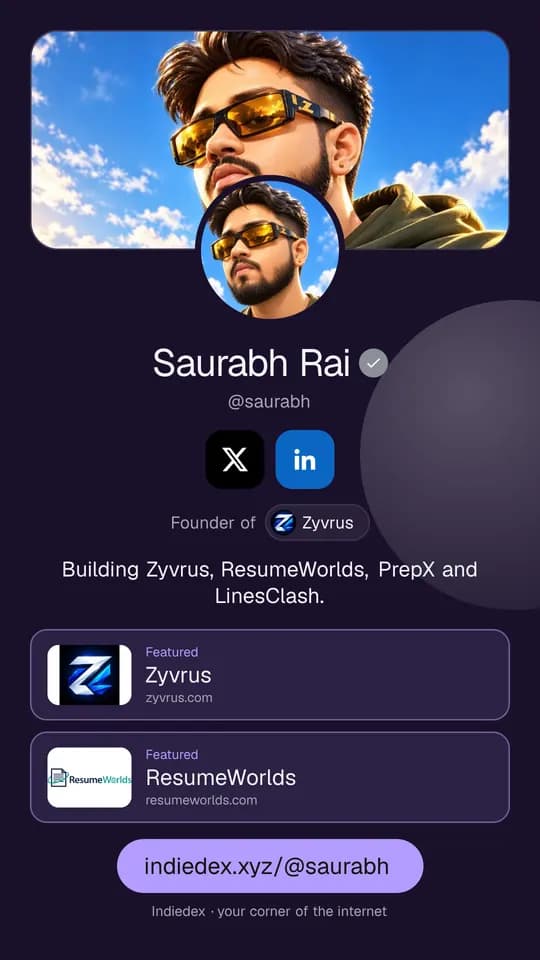
- Products show under your company with their logos; your page says “Founder of …”.
- See how your products rank against similar ones, and what the community thinks.
9
For job seekers and freelancers
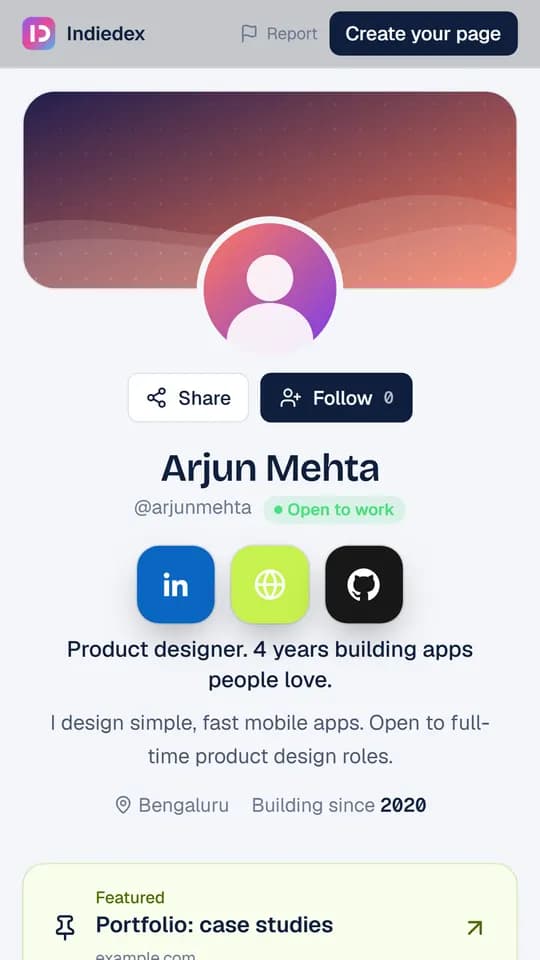
Turn your page into a portfolio recruiters can open from anywhere.
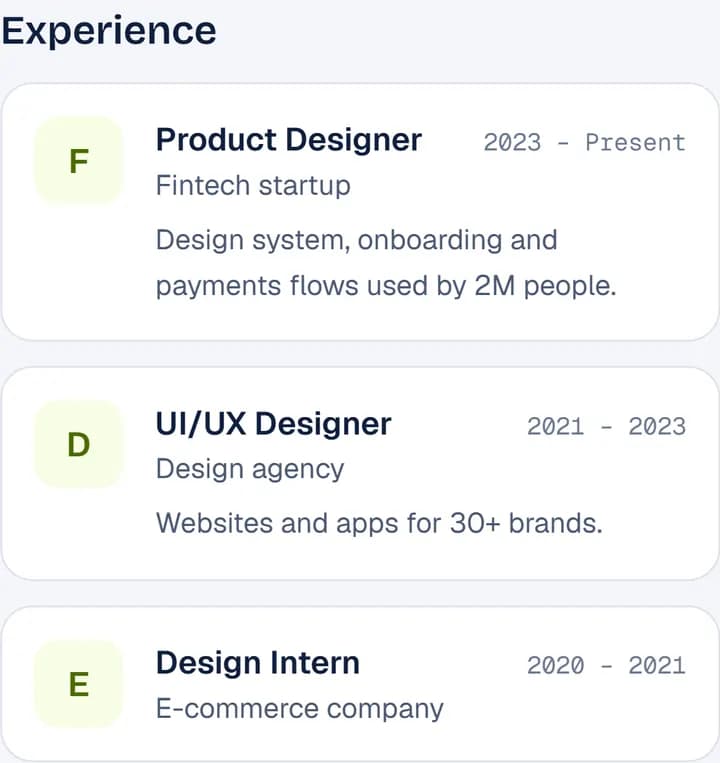
- Add Experience (role, company, years) in Profile; it shows like an ID card.
- Turn on “Open to work” so a badge appears next to your name.
- Feature your case studies and add your resume and a booking link.
10
Share your page
Put indiedex.xyz/@you in your Instagram, YouTube and LinkedIn bio, then share it everywhere.
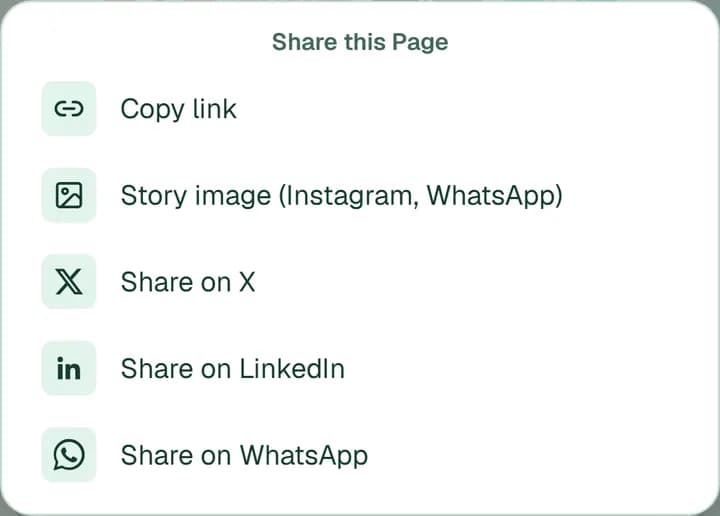
- Share → Story image makes a picture of your page and copies your link for Instagram's Link sticker.
- WhatsApp, X and LinkedIn show a preview with your photo and page address.
- Short links and a QR code for posters, cards and events.
11
See what works
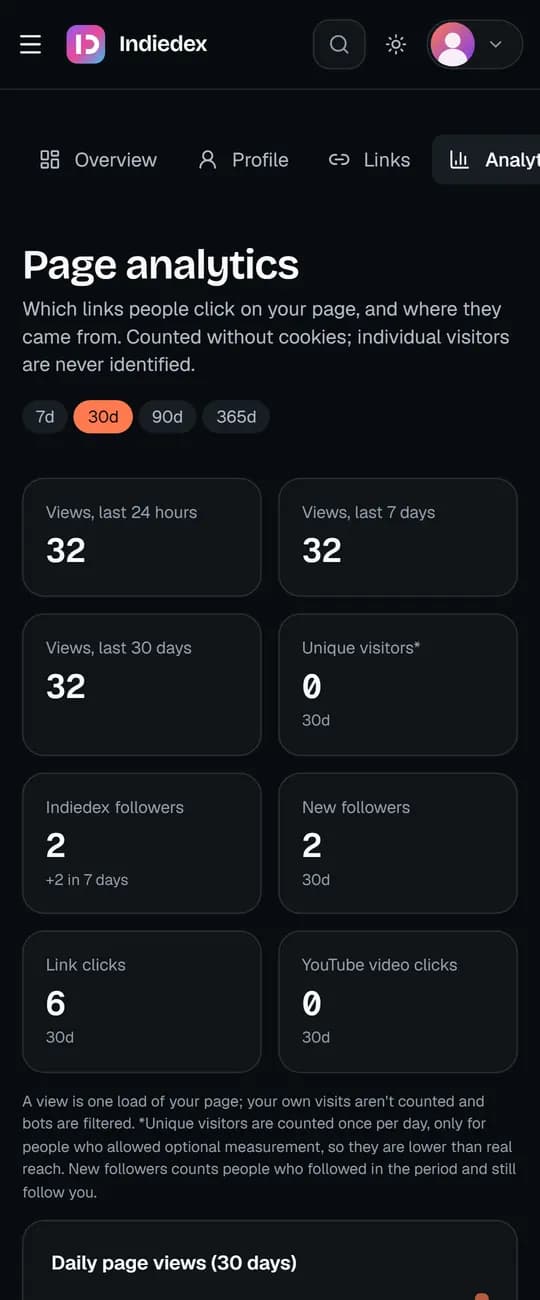
Views, unique visitors, followers and clicks on every link, without cookies.
- Free: the last 7 days of page views and clicks on every link.
- Page Plus and Pro: 30 to 365 days of history, where visitors came from, their countries and devices.
- Your own visits aren't counted, and bots are filtered.
12
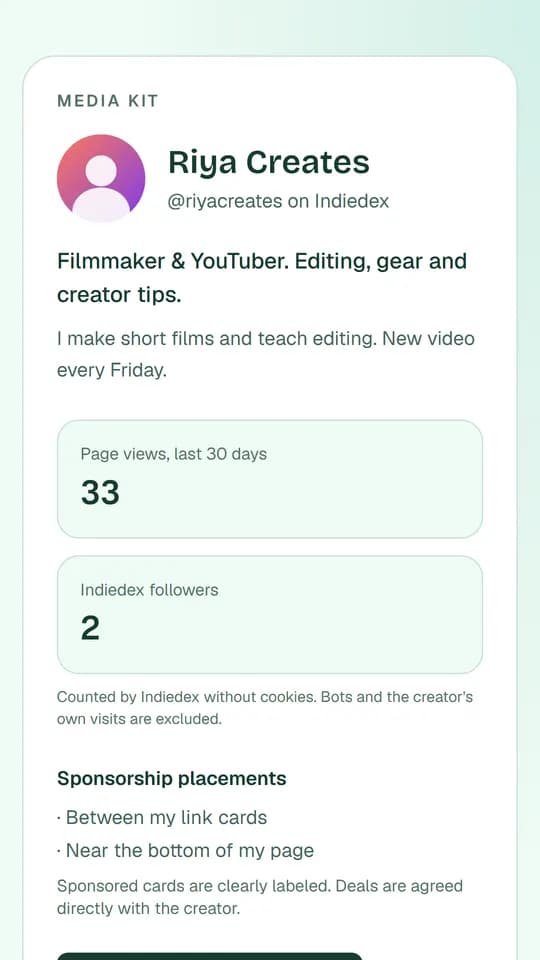
Earn with your own sponsors
When your page gets real traffic, sell a sponsored spot on it. You keep the whole deal.
- Grow your views first: share your page everywhere and watch Analytics.
- Turn on your media kit (Dashboard → Sponsorships) and send it to brands you like.
- Agree a price with the brand. The brand pays you directly; Indiedex takes no commission.
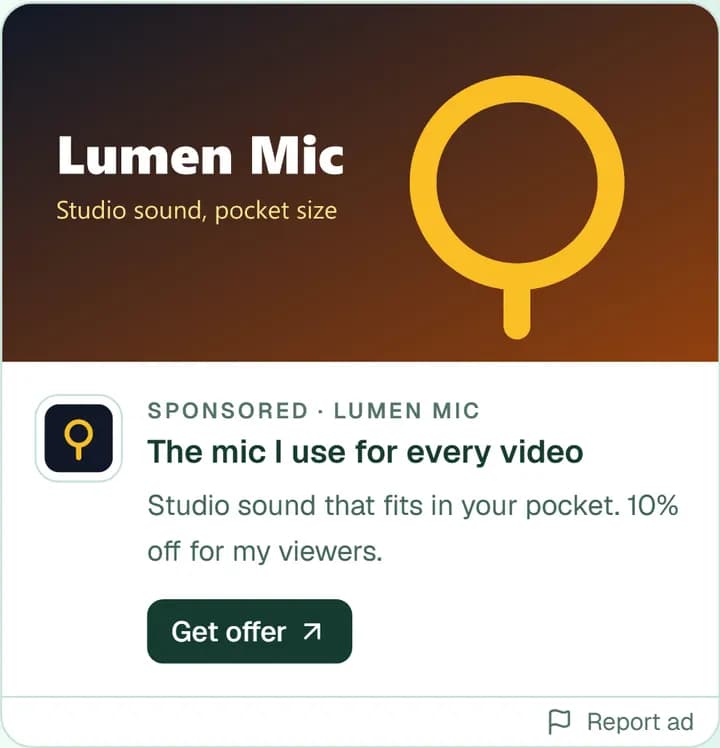
- Add the sponsored card: logo, image, headline, button and dates. It's labeled Sponsored.
- Track impressions, clicks and click-through rate to show the brand results.
- Sponsorships are part of Page Plus and Pro. Indiedex doesn't find sponsors for you or promise income.
13
Discover, rate and vote
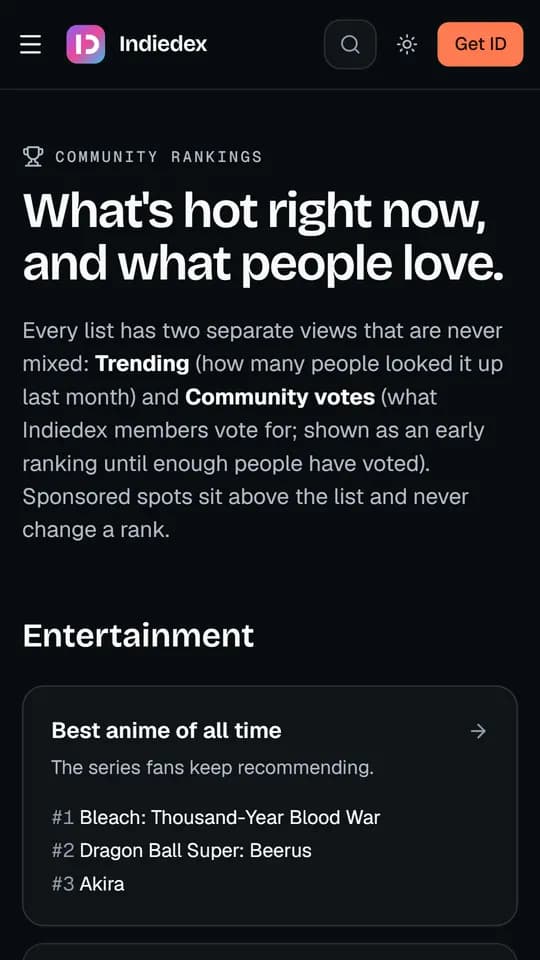
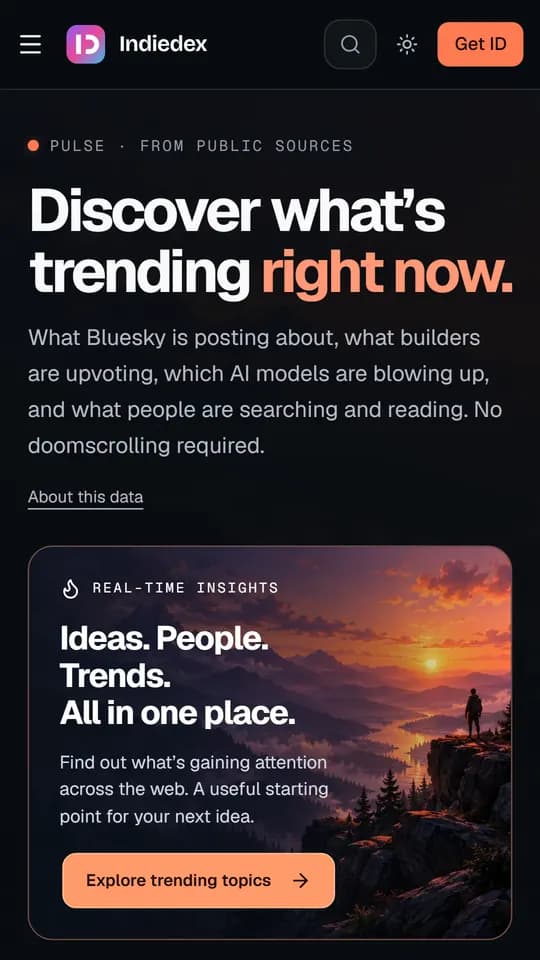
Indiedex is also a place to find things: startups, games, movies, anime, music, gadgets and creators.
- Rate and review anything, vote it up or down and join the discussion.
- Rankings show what the community votes for; early lists are labeled honestly.
- Trends show what the internet is talking about today, with post ideas for creators.
14
Get the blue check
Dashboard → Get verified. Upload one document; an Indiedex admin checks it and it's deleted 24 hours after review.
- The blue check shows people the page is really you or your business.
- Grey checks are reserved for official Indiedex team accounts.
Questions
Is it free?
Yes. Your page, links, themes, YouTube videos, followers-only links, listings and share images are free. Paid plans add deeper analytics, more short links and sponsorships.
Do my visitors need an account?
No. Anyone can open your page and links. They only sign in to follow you, comment, rate or vote.
How do I earn money?
Grow real views, share your media kit with brands, agree a price, and add their sponsored card to your page. The brand pays you directly. Indiedex doesn't take a cut or guarantee income.
Can I change my username or theme later?
Yes, anytime from Dashboard → Profile.
Ready? It takes two minutes.
Free forever for your page. See pricing for extras.
Create your free page